
An older couple walking together outdoors

Tunstall

Fall detection devices with 24/7 UK response

If you fall, it raises the alarm for you. A trained operator in Yorkshire answers, day or night.

Choose your plan

Choose the support that fits your life.

Choose how to pay
Price display
A woman spending time at home with a personal alarm

Stay Safe:

Wearable Falls Detector

24/7 support at home, with the option to add more devices to suit your needs.

Monthly service

£23.94 / month

Including VAT

Pay today: £65.94 inc VATIncludes £23.94 first month’s service + £42 one-off setup feeThen £23.94 monthly from month 2
  • Includes a wearable falls detector
  • Works even if you don’t press button
  • Connection to our Yorkshire-based response centre

Popular
An older couple together outside their home

Stay Independent:

Location-Tracking Smart Watch

24/7 support at home and on the go.

Monthly service

£32.40 / month

Including VAT

Pay today: £74.40 inc VATIncludes £32.40 first month’s service + £42 one-off setup feeThen £32.40 monthly from month 2
  • Alarm button and automatic fall alerts
  • Connection to our 24/7 response centre
  • Support at home and away with suitable mobile coverage

Prices are shown for the selected billing period. Optional extras and engineer installation are itemised in checkout. Read the terms.

Equipment and service information

Stay Safe

Fall detection cannot detect every fall. Press the alarm button whenever you need help and can do so.

Home coverage and setup must be checked before you rely on the service.

Stay Independent

Keep the watch charged. Mobile reception, location accuracy and battery life depend on use and surroundings.

Fall detection cannot detect every fall. Use the manual alarm button when you can.

How it works

What happens when you fall?

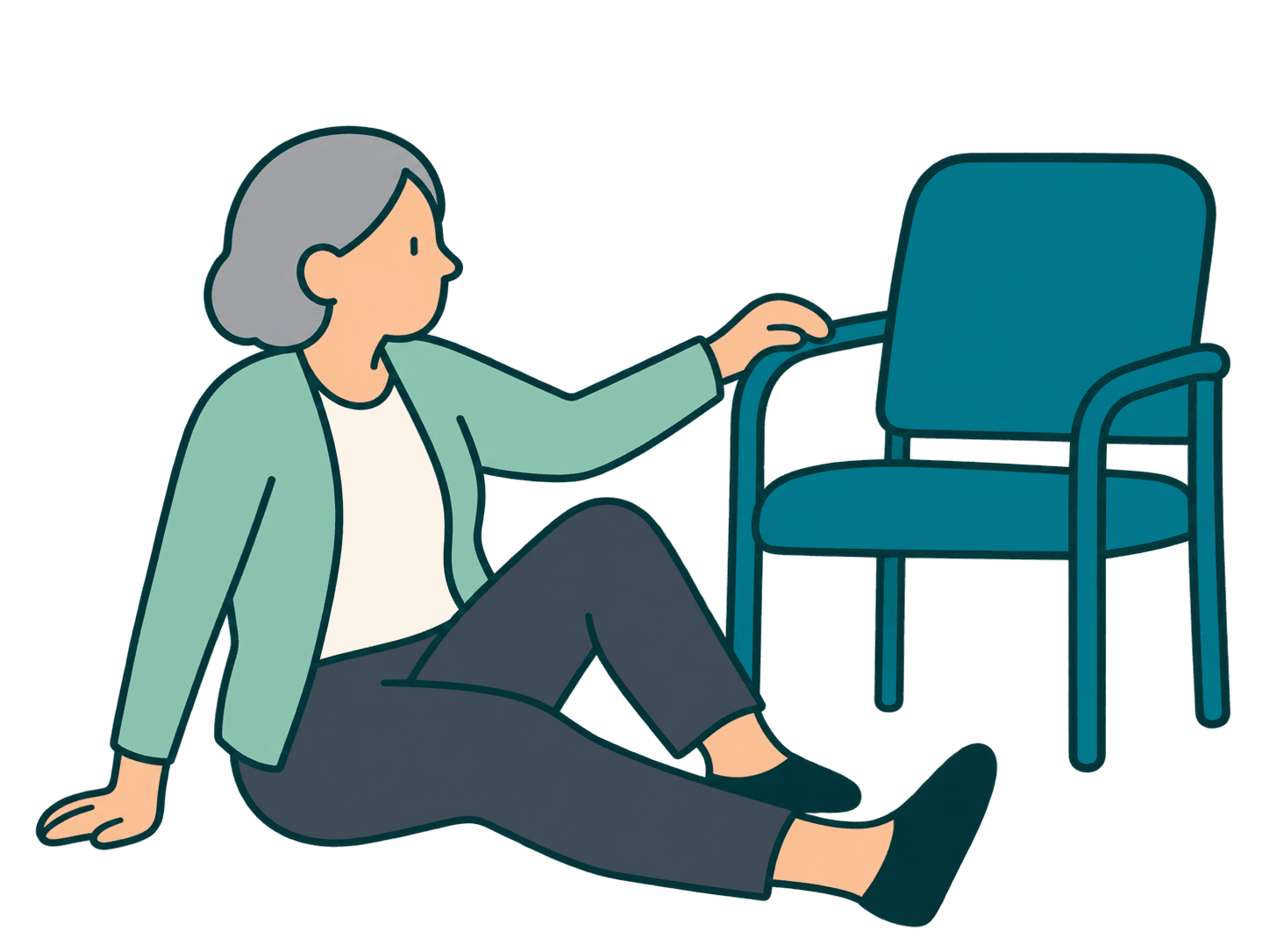
  1. Fall occurs

    If you fall, the fall detector senses it automatically.

  2. Alert sent

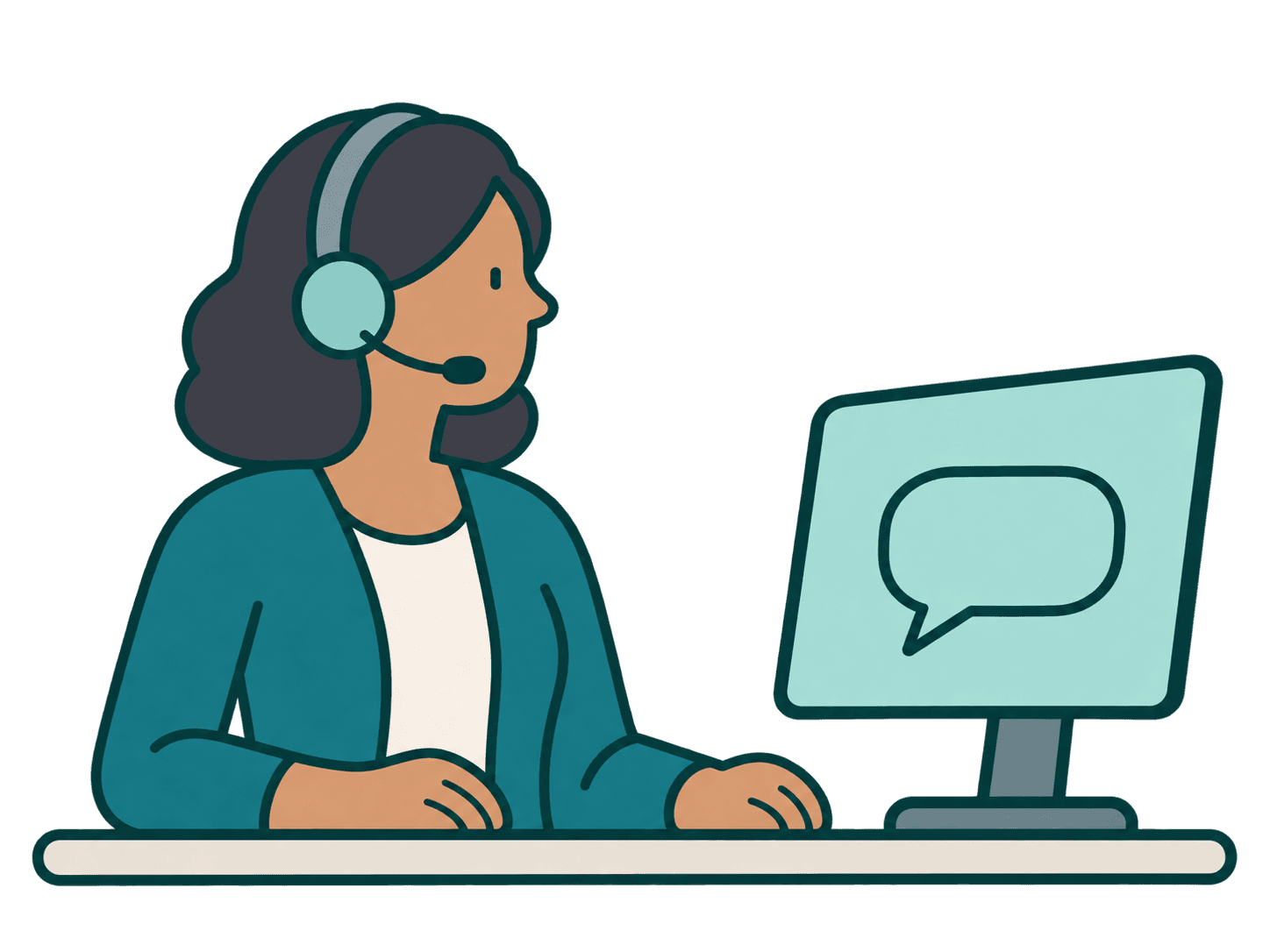
    An alert goes to our Yorkshire-based response centre.

  3. Operator responds

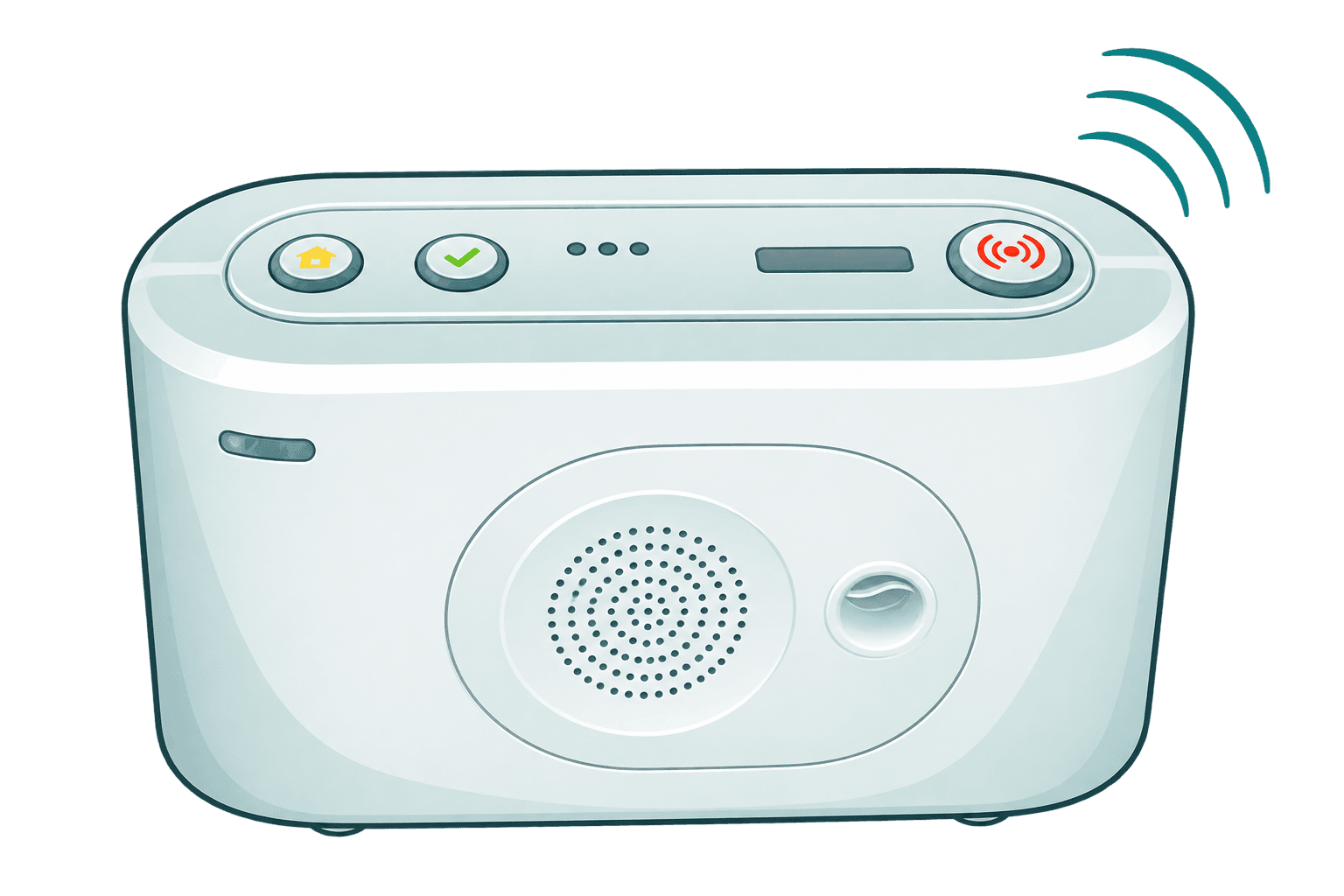
    One of our trained operators speaks to you through the home unit.

  4. Help dispatched

    If necessary, the operator will call family, a neighbour or 999.

No fall detector detects every fall. Press your alarm button whenever you need help and are able to do so. Help is arranged according to the situation; emergency services are contacted when appropriate. No fixed attendance time is promised. The watch needs suitable mobile coverage; location accuracy varies with signal and surroundings.

Automatic vs press-for-help

Why does automatic matter?

You may not be able to press a button after a fall. Our automatic technology delivers peace of mind for families.

Literally a lifesaver. I worry about mum 24/7 but this means I can be there when she needs me as well as when she doesn’t! She’s fallen without her phone in reach but always wears her button. Staff are always very kind.
Claire Smith, via Trustpilot · Read customer reviews

Support to suit you

Feel safer at home or on the go.

Choose equipment for where it will be used and how the person prefers to wear it.

FeatureStay SafeStay Independent
EquipmentLifeline Digital home unit and a wearable fall detectorAlly alarm watch
Where it is usedAt home, within the equipment’s checked coverageAt home and away, with suitable mobile coverage
Wear styleA separate wearable alarm used with the home unit; follow its fitting instructionsWatch worn on the wrist
Requesting helpManual alarm button and automatic fall alertsWatch alarm button and automatic fall alerts
Speaking with the operatorThrough the home unitThrough the watch microphone and speaker
LocationThe registered service addressLocation sharing, subject to signal and surroundings
Power and chargingKeep the home unit plugged in and follow the wearable’s care instructionsCharge the watch regularly and follow its care instructions
Family accessNominated contacts are recorded for the response team; the Tunstall family app is coming soon.Location and app access are managed through service permissions; being a nominated contact does not automatically give access.
Monthly service and first payment£65.94 first payment, including £42 setup and the first month; then £23.94 per month including VAT£74.40 first payment, including £42 setup and the first month; then £32.40 per month including VAT
Annual service and first payment£257.46 first payment, including £42 setup and the first year; then £215.46 per year including VAT£294.72 first payment, including £42 setup and the first year; then £252.72 per year including VAT
Cancellation termsMonthly service: one month’s written notice. Annual service: notice takes effect at the end of the current service year or minimum term. Review the full terms, including cancellation rights, before ordering.Monthly service: one month’s written notice. Annual service: notice takes effect at the end of the current service year or minimum term. Review the full terms, including cancellation rights, before ordering.

Automatic fall detection cannot detect every fall. Press your alarm button whenever you need help and are able to do so. Wear, charge and connect your equipment as instructed.

If an alarm is raised by mistake

Tell the operator that you are safe and that the alarm was accidental. They can check that you do not need help and close the call. Do not ignore the operator because you are worried about an accidental alert.

If the team cannot speak with you, they will follow the response process using the information recorded for your service.

Customer information

Frequently asked questions

Does it work if I can't press the button?

The supplied fall detector can raise an automatic alert when it detects a fall. No fall detector identifies every fall. Press the button yourself whenever you need help and are able to do so.

How long does the battery last?

The home unit and wearable have separate batteries. Keep the home unit plugged in and follow the wearable’s battery and care instructions. Ally’s rechargeable battery typically lasts 2–5 days, depending on use and settings; make charging part of your routine.

Do I need a landline?

Lifeline Digital supports mobile and broadband connections, and Lifeline Digital Core does not need a traditional landline. Ally uses a mobile connection. The connection and coverage need to be suitable wherever you use your alarm.

How fast is setup?

Choose from the delivery and setup options available when you order. Provide the service user’s details and nominated contacts, then follow the setup instructions and complete an alarm test once monitoring is ready. Our team can help with current delivery dates and engineer appointments.

More product questions
Can I wear it in the shower?

Follow your wearable’s care instructions for showering and bathing, and keep the home unit away from water. Water resistance varies between devices and does not necessarily make an alarm suitable for swimming.

How sensitive is the fall detector?

Automatic fall detection is designed to recognise a fall and raise an alert without a button press. Wearing the device correctly matters, so follow its fitting and use instructions. No detector recognises every fall. Press the alarm button whenever you need help and are able to do so.

How far can the wearable be from the home unit?

Walls, the layout of your home and the home unit’s position can affect the wearable’s range. Test the alarm in the rooms, garden and other areas where you plan to use it. Check both that an alert reaches the response centre and that you can speak with the operator through the home unit.

Will the operator hear me from every room?

With the home alarm, you speak through the home unit’s microphone and speaker, rather than through the wearable. Being within radio range does not mean speech will be equally clear from every room. Check alarm coverage and two-way speech in the places you use, including any hearing or speech needs. Ally has its microphone and speaker in the watch, subject to a working connection.

What happens in a power cut?

Lifeline Digital has a backup battery offering up to 72 hours of support during a power cut. Battery condition, settings and use affect how long it lasts. The alarm still needs a working connection, and a broadband router may lose power separately. Keep the home unit plugged in during normal use. Its backup battery is separate from the wearable’s battery and the rechargeable Ally watch.

Can I wear the alarm in the shower or bath?

Follow the wearable’s care and wearing instructions before using it in a shower or bath, and keep the home unit away from water. Ally is IP67 water and dust resistant, but that rating does not make it suitable for swimming or every water activity. The home unit and wearable have different water-resistance ratings.

How long do the home unit and wearable batteries last?

The home unit normally runs from mains power and has its own backup battery. The wearable has a separate battery, so its battery life is different from the home unit’s backup time. Follow the care instructions for each device. If you receive a low-battery warning or need help with a replacement, contact our team.

How quickly can I get set up?

Choose from the delivery and setup options available when you order. Self-setup includes phone support, and an engineer visit is available in supported areas. Any installation charges are shown before payment; smoke-detector pairs require engineer installation. Provide the service user’s details and nominated contacts, follow the setup instructions and complete an alarm test once monitoring is ready. Our team can help with delivery dates and appointments.

What happens if I lose or damage my device?

Contact our service team, explain which device is affected and have your customer reference available if possible. Ask about a replacement, any charge and the expected timescale before agreeing to proceed. The reason for replacement and your contract affect the arrangements. Discuss how to obtain help while the equipment is unavailable, and do not rely on a damaged device as though it has been checked.

View Lifeline Digital Core technical specifications

Lifeline Digital Core is a digital home alarm unit. The specifications below are for this Core model. The home unit and wearable are separate devices, each with its own care and use instructions.

  • Model: Lifeline Digital Core; part 022-27-923 (UK/NI/IR).
  • Dimensions: 180 × 58 × 98 mm (length × width × height). Weight: 460 g without attachments.
  • Power: 230 V AC; typical consumption 1.5 W. Physical connections include a 12 V power inlet and Ethernet port.
  • Backup: internally charged lithium-ion battery, 6.6 Wh / 900 mAh. Up to 72 hours of backup; duration depends on settings, battery condition, use and a working network connection.
  • Connectivity: 4G/LTE with VoLTE, Ethernet and Wi-Fi; supports VoIP. The connection used for your alarm is set up according to the service and available coverage.
  • Radio: 869.2125 MHz and 868.3000 MHz, with Bluetooth Low Energy and short-range radio support. Tunstall two-way secure radio uses 128-bit AES encryption.
  • Home-unit protection: IP34 splash resistance. This is not the wearable’s rating. Recommended temperature 0–40°C; 0–90% relative humidity, non-condensing.
  • Compatibility: more than 30 sensor types and up to 40 compatible sensors/accessories are described. Additional accessories are purchased separately; see the extras available with your plan.
  • Manufacturer-listed standards include CLC/TS 50134-9:2017 social alarms and EN 18031. The alarm needs power and a working network connection.

Tunstall+ is used by professionals to set up and configure the home unit. It is different from the companion app for the Ally watch.

Download the manufacturer’s Lifeline Digital Core product sheet. Keep the separate wearable’s care instructions with this product information.

View Ally watch technical details

Ally is a wrist-worn alarm with a manual SOS button, automatic fall alerts, location technology and a built-in microphone and speaker. You can speak to the response team through the watch without a separate phone for the alarm call.

  • Battery: typically 2–5 days, depending on use and settings; follow the charging instructions.
  • Protection: IP67 water and dust resistance; follow the supplied care guidance.
  • Companion app capability: location, alerts, activity and device status, with access controlled by permissions.
  • Activity information: heart-rate and step/activity information.

The watch needs a charged battery and suitable mobile coverage. Location and safe-zone features depend on service settings and authorised access. Health and activity information is not a medical diagnosis. Read the Ally product information and follow the care instructions supplied with your watch.

Talk to our team

Ask about the equipment, setup or choosing for someone else. Leave your name and number for a sales callback.

0330 123 3303

For sales and service enquiries. Alarm response is available 24 hours a day, seven days a week.

Sales advice is separate from the 24/7 alarm response service. For urgent help, use your alarm as usual. Privacy information